Simple Agent Patterns
This was a short presentation on the current state of software engineering with agents.
→ Slides.
tl;dr: good decisions are still expensive, but code is cheap. Use that to your advantage by running parallel agents, in the appropriate sandboxes. Within those sandboxes, give your agents tools to be creative and demo their work. That makes it easier to review the agents’ work, which will make decision-making easier for you and others.

Code Got Cheap. Decisions Didn’t.
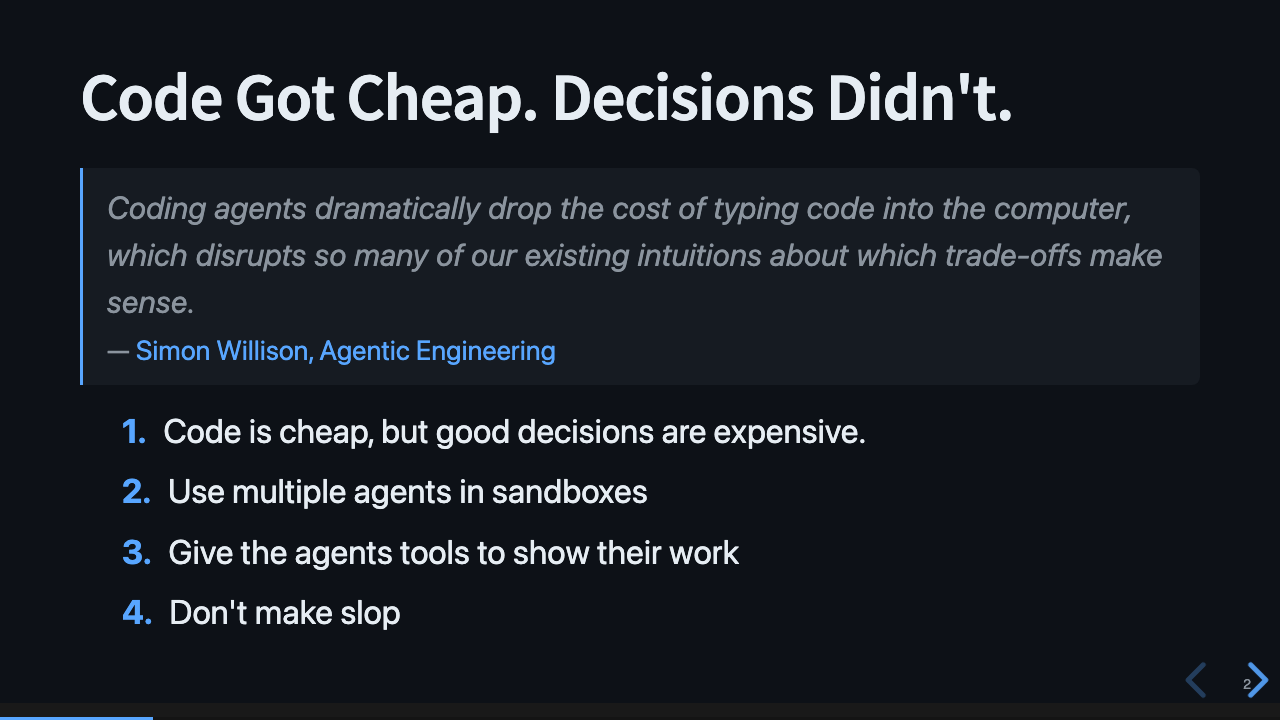
Code is nearly free, and the way we work doesn’t reflect that change. We need new ways of doing work, and no one knows what that developer experience will look like. This is still new, and we don’t have the tools or shared language yet to figure it out. But we will figure it out. And here are some guidelines I use to make sense of the world.
My workflow isn’t fancy. I have a few skills. The CLIs and agents today are very good - Copilot, Claude, Opencode - use them all. Try all the models. Try them in parallel. Make it easy to do parallel work.
- Code is cheap, but good decisions are expensive.
- Use multiple agents in sandboxes.
- Give the agents tools to show their work.
- Don’t make slop.
Prompts for Thinking Clearly
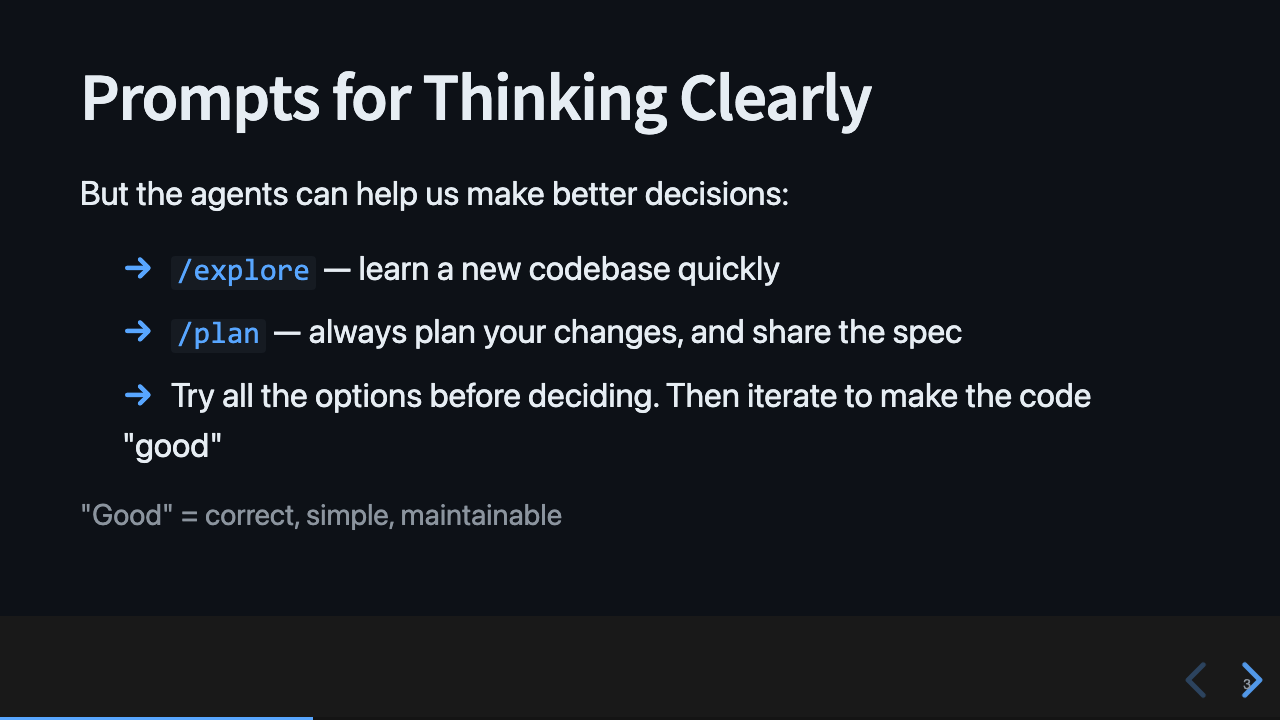
It’s easier than ever to build, and yet it’s harder than ever to decide what to build. That’s not a contradiction. Rapid change and the level of noise created by agents makes it difficult to think clearly. Part of that is noise; there is more content, more traffic, more distractions, and much of it is slop. And part of that is cadence; the rate of progress is faster than ever, and when the world changes quickly, decisions become outdated quickly. Even the process you used to make that decision becomes outdated.
Agents can help. We can ask agents to explore, plan, and try all the approaches at once. We used to deliberate about the best approach before committing to writing the code. Now we can prototype all of them and see which works best.
/explore— learn a new codebase quickly. The agent reads so you can orient./plan— always plan your changes, and share the spec. The plan becomes the PR description.- Try all the options before deciding. Then iterate to make the code “good” — correct, simple, maintainable.
Parallel Agents
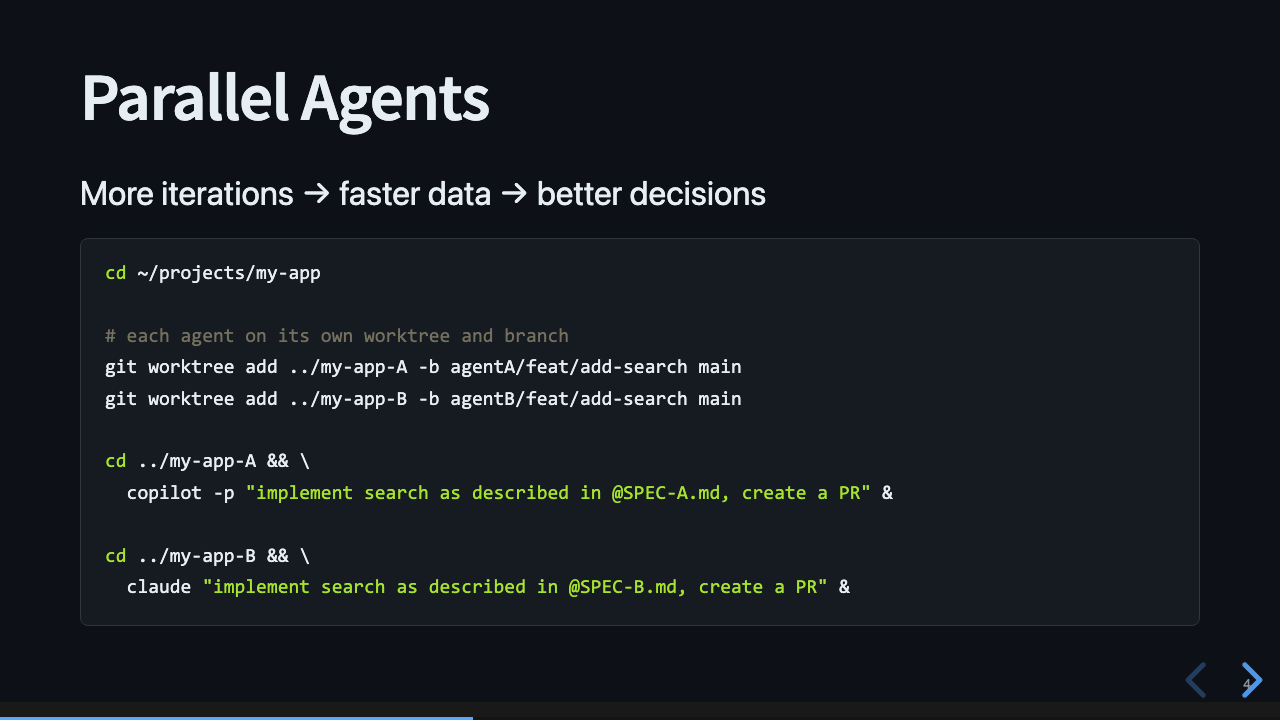
One way to make decisions faster is to iterate faster.
We can have multiple agents running at the same time, working in their own branch, on the same problem. We could use separate checkouts, but git worktrees are cleaner. Each agent gets its own worktree and branch from main:
cd ~/projects/my-app

git worktree add ../my-app-A -b agentA/feat/add-search main
git worktree add ../my-app-B -b agentB/feat/add-search main

cd ../my-app-A && \
  copilot -p "implement search as described in @SPEC-A.md, create a PR" &

cd ../my-app-B && \
  claude "implement search as described in @SPEC-B.md, create a PR" &
I call this “Parallel Agents”.
Choose Your Sandbox
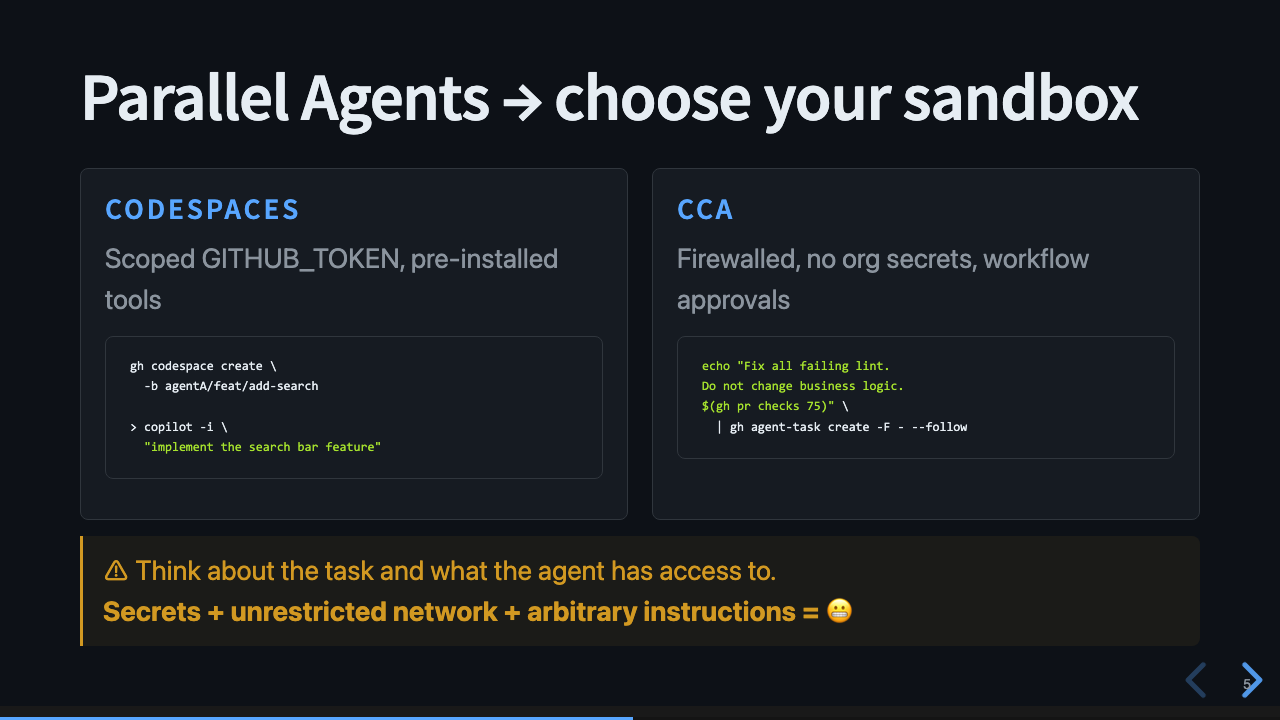
Worktrees aren’t the only option. If we need more separation, we can choose an environment with the restrictions that matter for a given task.
We must think about what the agent can do with its environment, and how much privilege it needs to accomplish the task. If it has access to secrets and can make unrestricted network calls, that’s a dangerous combination. Every agent harness has options to restrict what the agent can do. You should use those options.
Let Them Demo Their PR
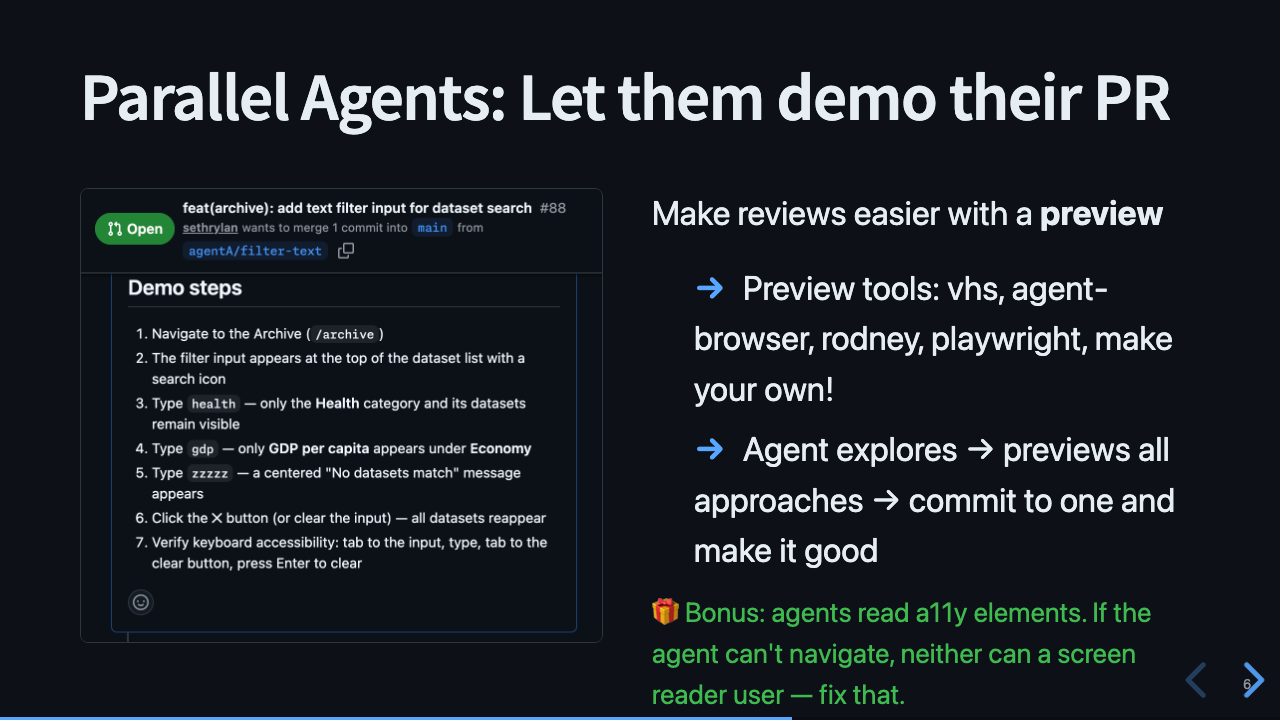
Parallel agents create parallel reviews. To evaluate all the approaches, we have to read a lot of PRs and compare them. That takes time, and becomes a new bottleneck.
The solution I like: let the agent demo its work. Tell the agent to write down the verification steps, and include them in the PR. Then tell it to create a recording of those steps and attach it to the PR. There are many existing and new tools for this: VHS, agent-browser, Rodney, Playwright, or make your own.
As a bonus, the agents are using a11y elements and DOM semantics like a screen reader. So if the agent is having a hard time using the app, then so would anyone with a screen reader, and you should go fix that.
📼 End-to-end Demo of Parallel Agents demonstrating their work
Don’t Make Slop
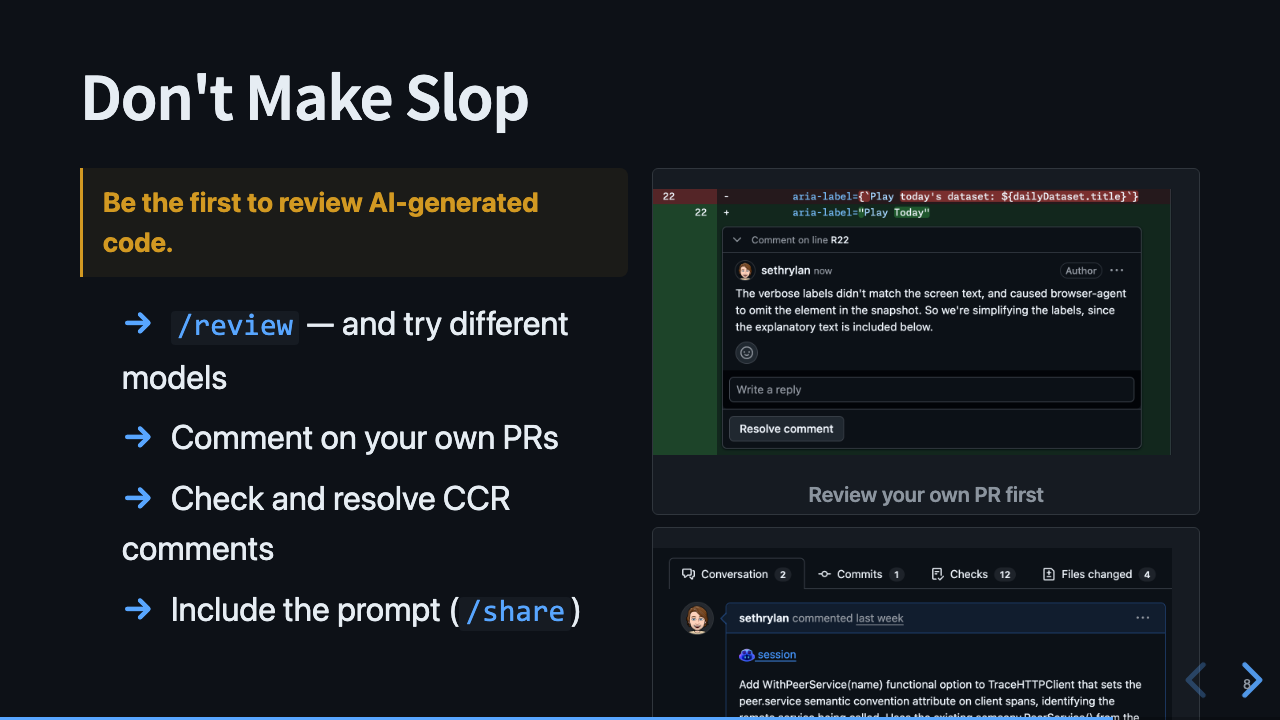
Review your PRs first. We’ve always recommended this practice, and it’s especially important now. You should be the first to read the PR and comment on it before sending it out for review.
Copilot can help with the review. Switch to a different model and run /review - you’ll find something new.
And tell reviewers how you prompted the model. If you followed along so far, you used /plan and have a full specification for the PR. That’s incredibly valuable. Put it in the PR.
/review— and try different models- Comment on your own PRs before anyone else does
- Check and resolve CCR comments — Copilot Code Review catches things you missed
- Include the prompt (
/share) — transparency builds trust
Recap
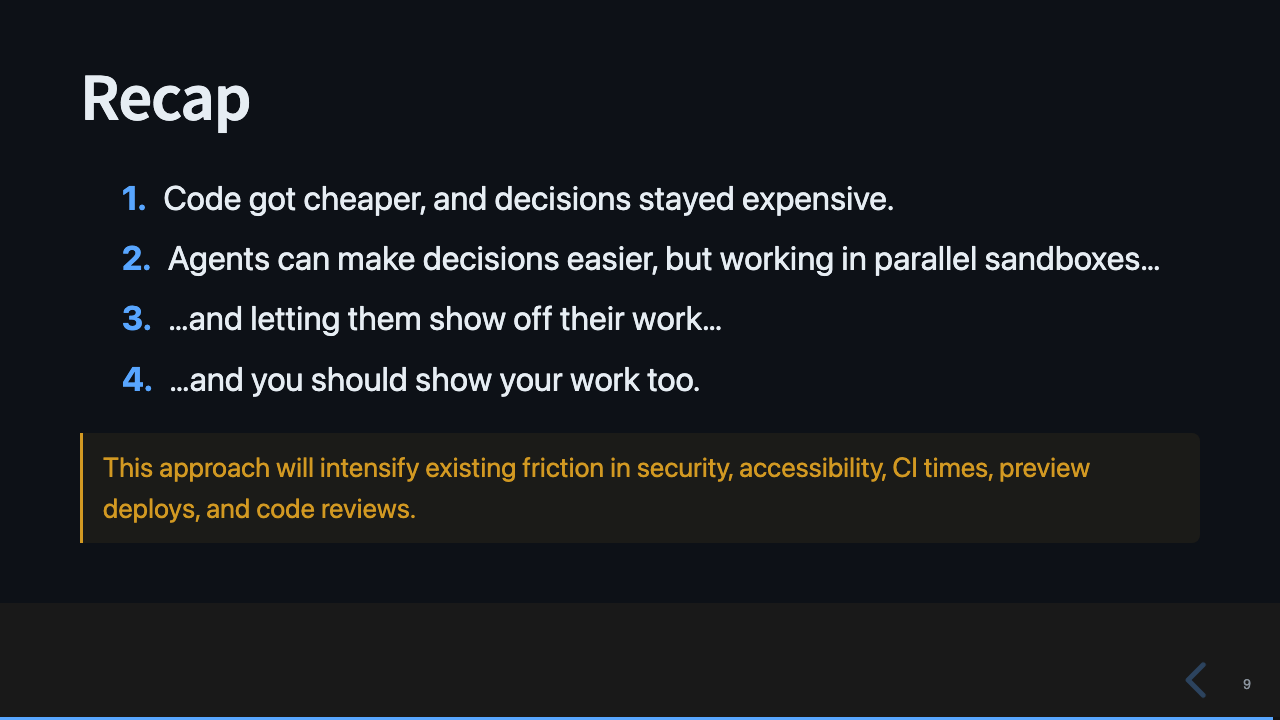
- Decisions are still hard. Code is cheap.
- Use that to your advantage by running parallel agents - and pick the right sandbox.
- Within that sandbox, give your agents tools to be creative and demo their work.
- That makes it easier to review the agents’ work, so you can make it easier for others to review too.
The downside: all DX friction becomes more noticeable. If it’s hard to create a preview environment, agents can’t demonstrate. If a UI page isn’t accessible, agents can’t use it either. Security, CI times, preview deploys, code reviews - this approach will stress every one of those systems and force us to reduce friction.